
What are Files?
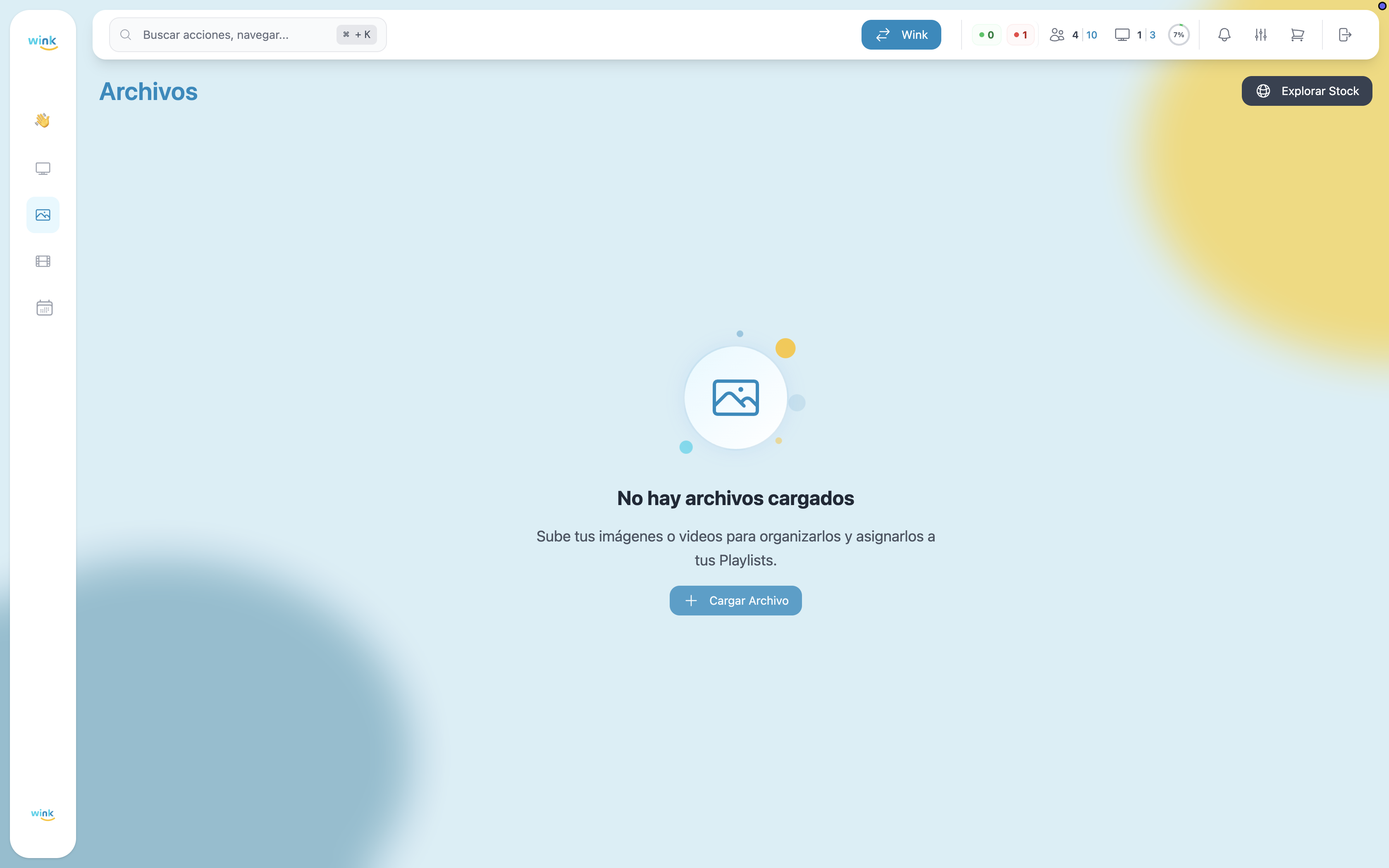
Files are the images and videos that make up the visual content displayed on your screens. Before you can create playlists or assign content to a player, you need to upload your files to Wink App.
The File Library
The Files section is your central media library. Every image or video you upload lives here and can be reused across as many playlists and layouts as you need.
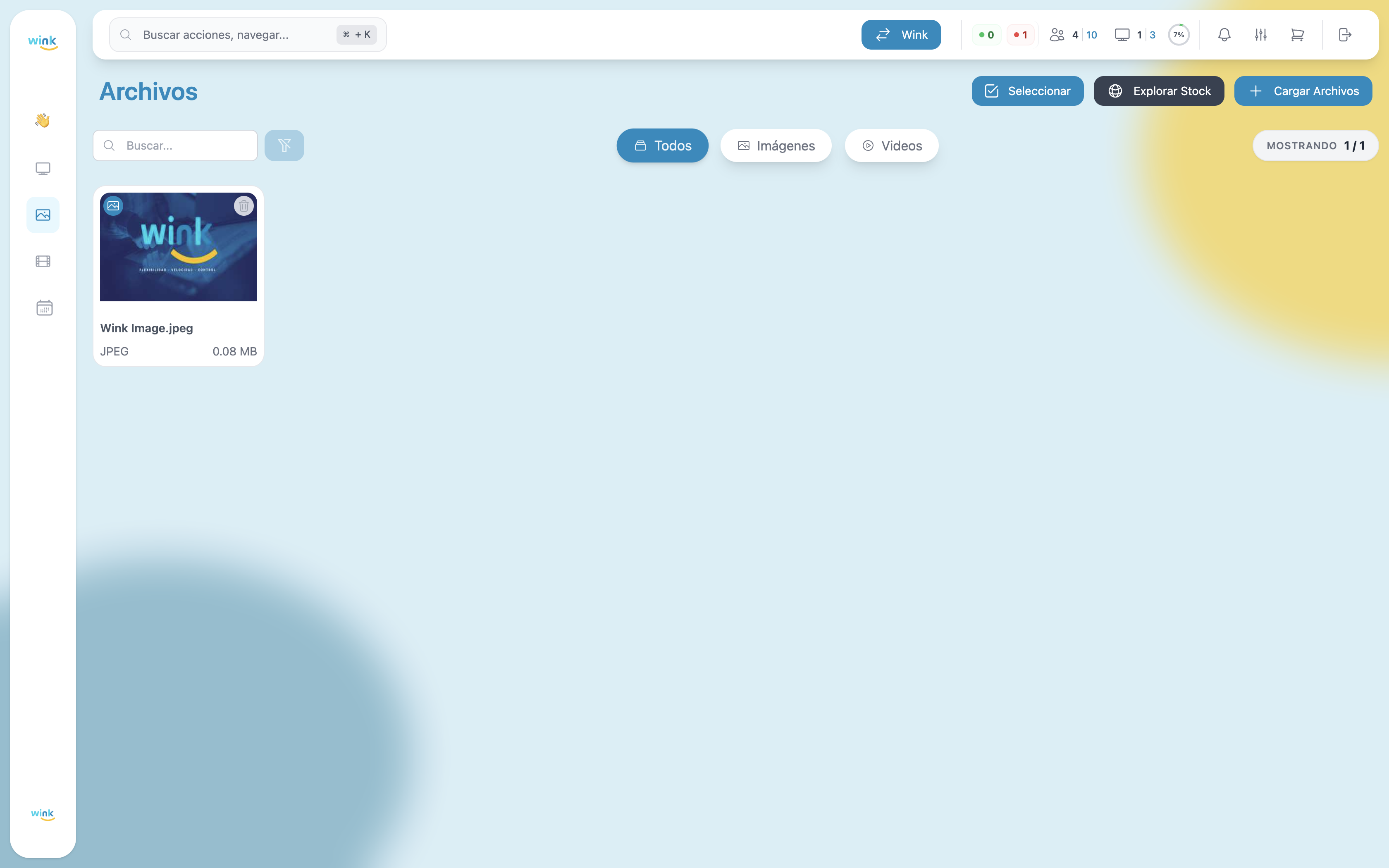
Once you have files uploaded, the library displays each one as a card showing its thumbnail, name, format, and file size.
Supported Formats
| Type | Formats |
|---|---|
| Images | JPEG, PNG, WebP |
| Videos | MP4, MOV, AVI, MKV |
GIF files are not supported
If you try to upload a GIF, the system will automatically reject it.
Explore Stock
Don't have your own files yet? Use the Explore Stock button (top-right) to browse a library of free stock images and videos you can add directly to your playlists.